Token Bridging
The bitsCrunch token contract is deployed on the Ethereum network, benefits from top-tier security. Meanwhile, the bitsCrunch protocol operates on the Polygon chain, where BCUT token utilities reside. To engage in staking and delegating, Ethereum token holders must bridge their BCUT tokens to the Polygon chain.
Below, you'll find the steps to bridge the Ethereum BCUT to Polygon Pos BCUT.
Step 1: Visit https://portal.polygon.technology/ the official bridge between Ethereum to Polygon, managed and secured by the Polygon team.
Step 2: Goto, https://portal.polygon.technology/bridge, this is the page where tokens are bridged. Ensure you have selected Ethereum network.
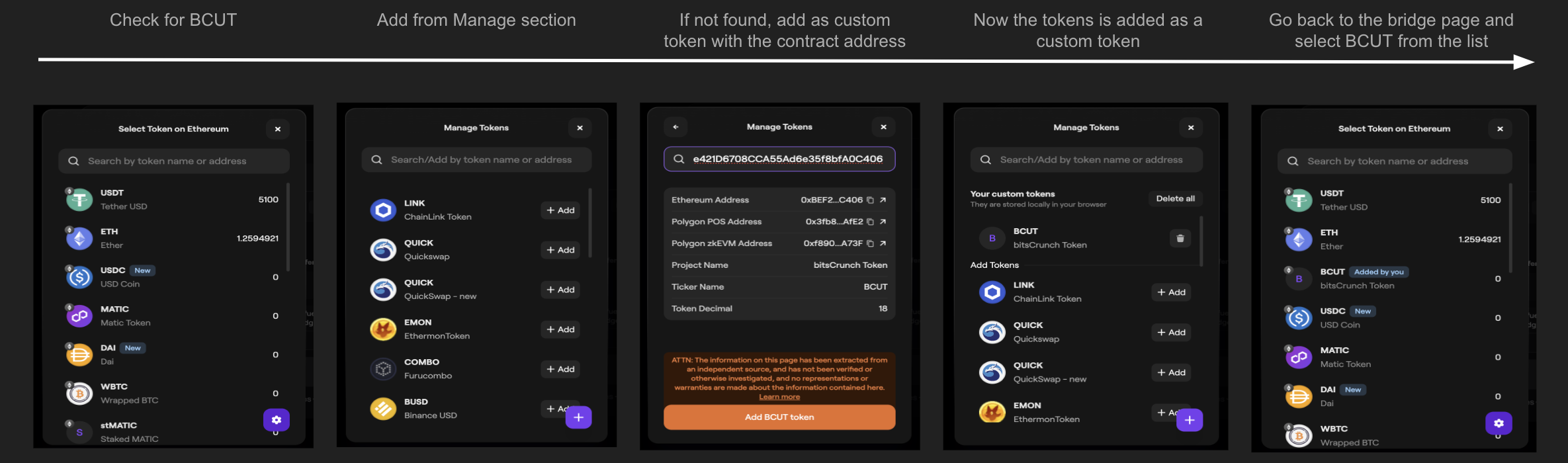
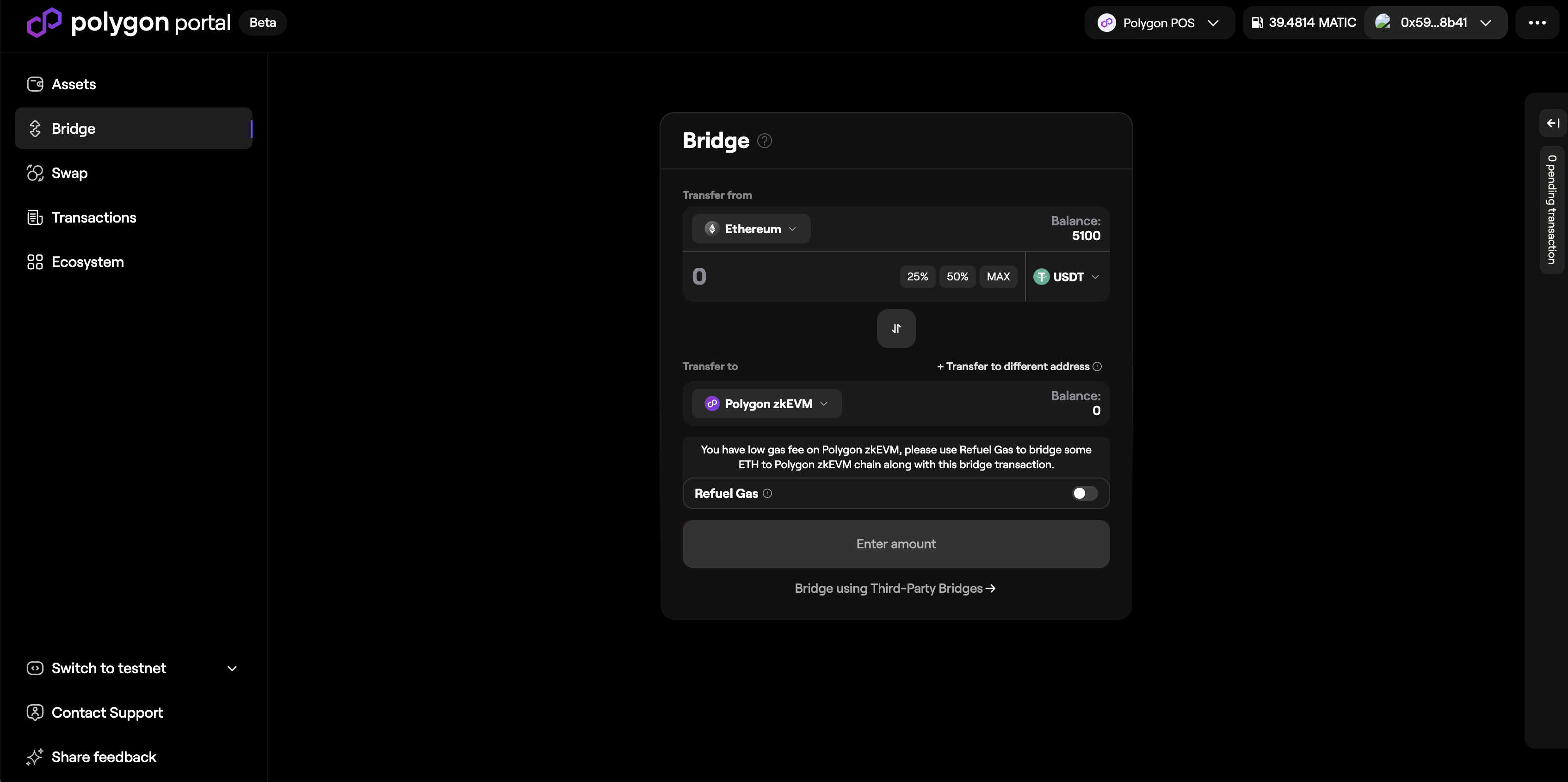 Step 3: Select BCUT from the token list. If you do not find BCUT in the list then add it as a custom token, follow the instructions.
 Step 4: Select the amount of BCUT you want to bridge, ensure to select the transfer to chain as "Polygon POS", now select "Bridge BCUT to Polygon POS". You will be asked to sign 2 transactions, first transaction is to approve spending of BCUT and the second transaction is to deposit the BCUT to the Polygon bridge contract.
BCUT Ethereum contract: 0xBEF26Bd568e421D6708CCA55Ad6e35f8bfA0C406
Step 4: Select the amount of BCUT you want to bridge, ensure to select the transfer to chain as "Polygon POS", now select "Bridge BCUT to Polygon POS". You will be asked to sign 2 transactions, first transaction is to approve spending of BCUT and the second transaction is to deposit the BCUT to the Polygon bridge contract.
BCUT Ethereum contract: 0xBEF26Bd568e421D6708CCA55Ad6e35f8bfA0C406
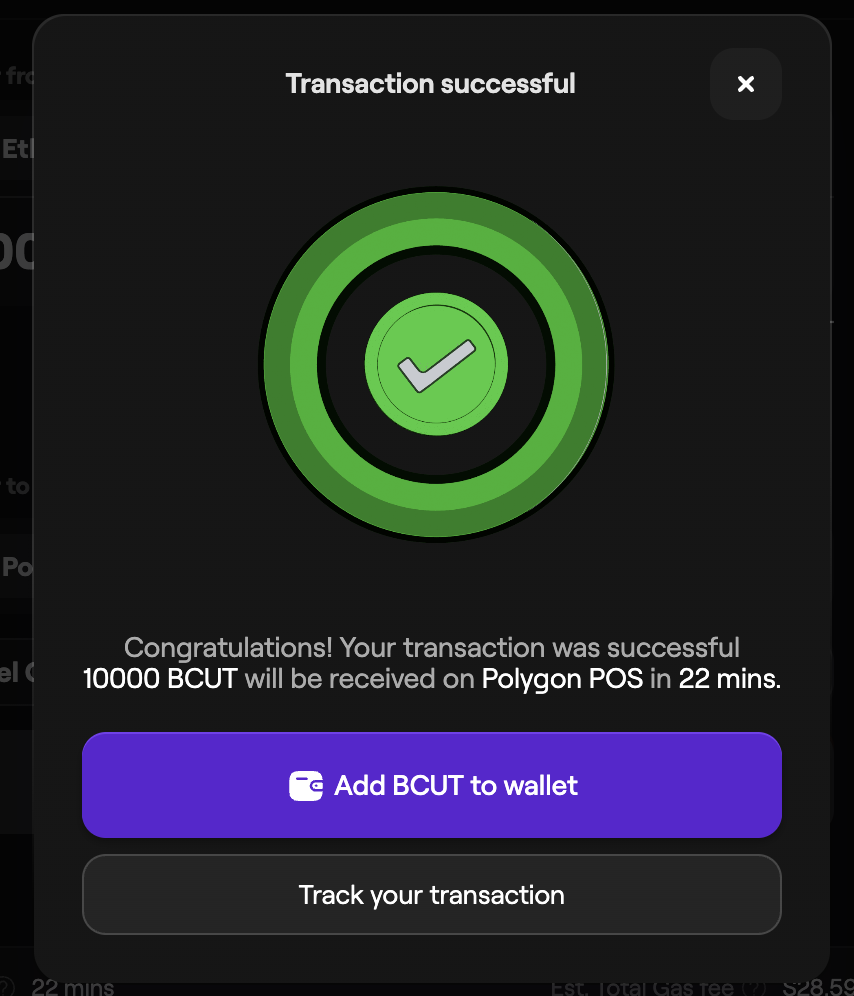
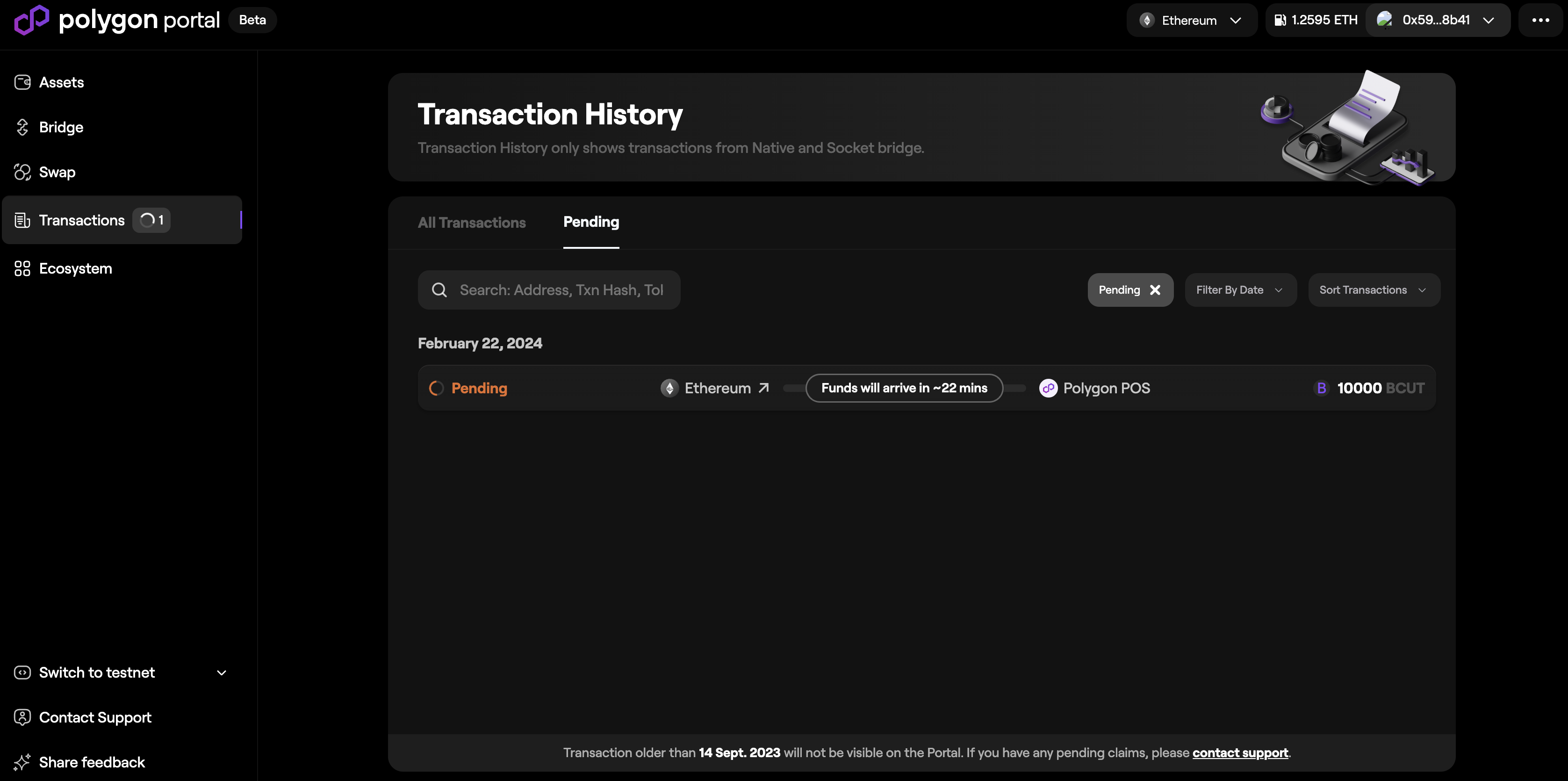 Step 5: After 20 to 30 mins the tokens deposited in Polygon bridge are now available in the Polygon chain on the same depositors wallet. You can use these tokens to delegate to operators.
Ensure you use compatible and secure wallets for bridging tokens. Research and verify wallet support for both source and destination chains to prevent loss of assets. Always prioritize security.
Note: Information provided is for educational purposes only and not financial advice. Always do your own research and consult with a professional before making any financial decisions. Token bridging carries risks; ensure network compatibility and security measures.